
Download Recoverit Free – File Recovery, Data Recovery Tool, Windows Utility
Overview
Recoverit Free is a dedicated data recovery utility designed for Windows users seeking to retrieve lost or deleted files from their computers. The app addresses common data loss scenarios such as accidental deletion, system crashes, virus attacks, disk formatting, and partition loss. Its primary purpose is to restore critical files—including documents, photos, videos, and audio—without requiring technical expertise.
The target audience includes both casual users and professionals who rely on their digital files for personal or work-related tasks. The developer, Wondershare, is known for creating productivity and data management tools, though specific background details about the company were not provided in the input. Real-world use cases include recovering files after a system failure, retrieving data from a corrupted external drive, or restoring files deleted during a software update.
In the broader app ecosystem, Recoverit Free fills a niche as a reliable, accessible solution for users who need immediate recovery options without the cost of premium alternatives. Despite its free status, the app offers robust functionality that supports a wide range of recovery needs, making it a valuable tool for data protection and digital resilience.
Key Features & Functionality
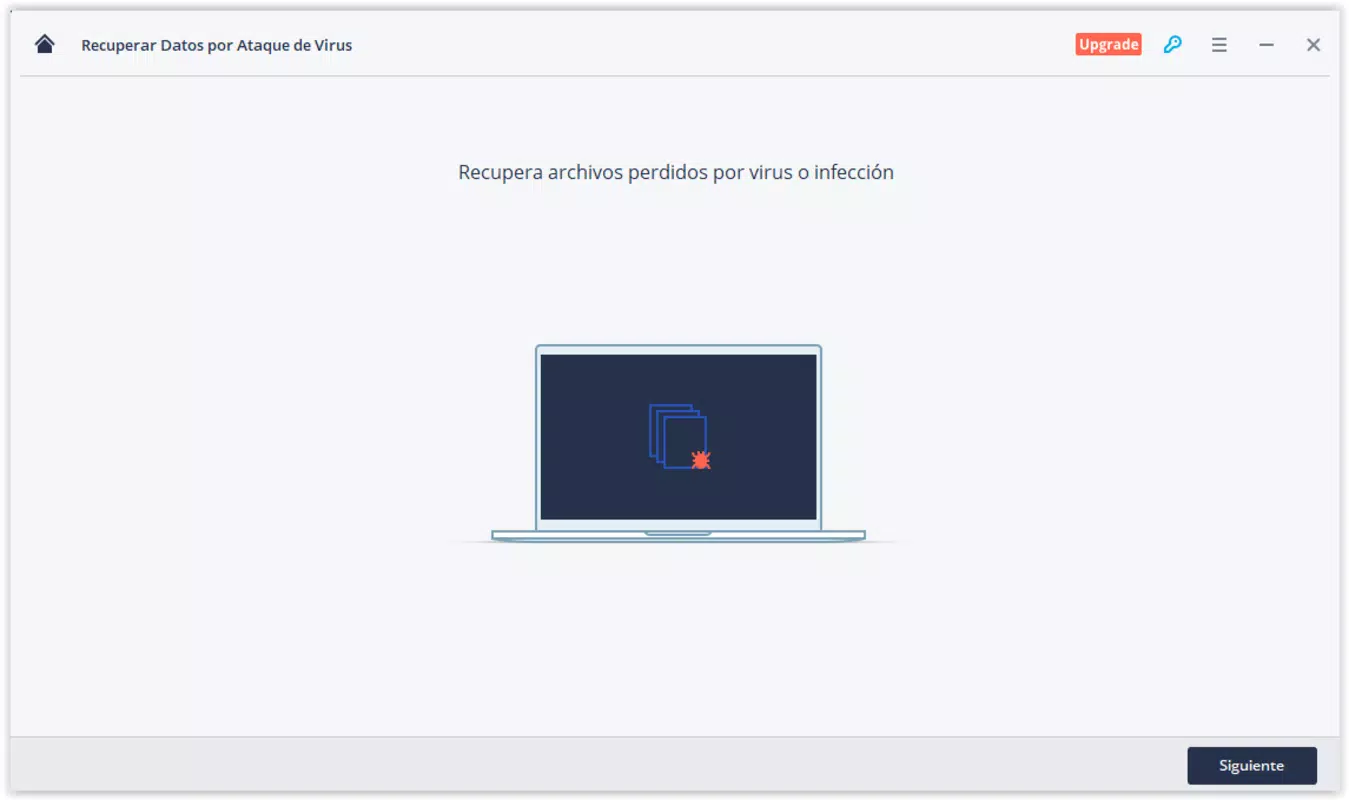
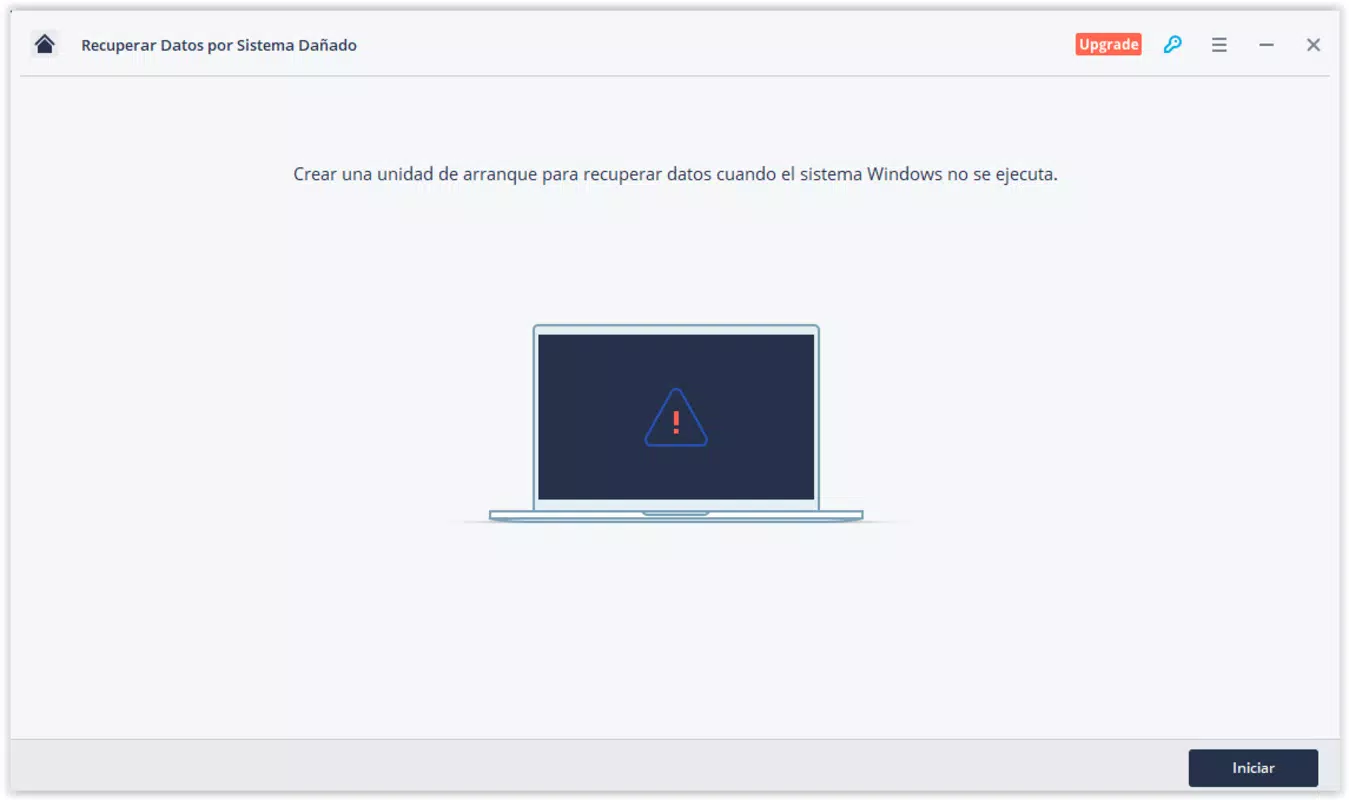
- Multi-Scenario Recovery Support – The app is engineered to handle various file loss situations, including accidental deletion, unexpected shutdowns, virus infections, startup failures, disk formatting, and lost partitions. This adaptability ensures users can recover data regardless of the root cause.
- Complete Restoration Process – Recoverit Free performs a comprehensive recovery operation, scanning entire storage drives to identify and restore all recoverable files, minimizing the risk of missing critical data.
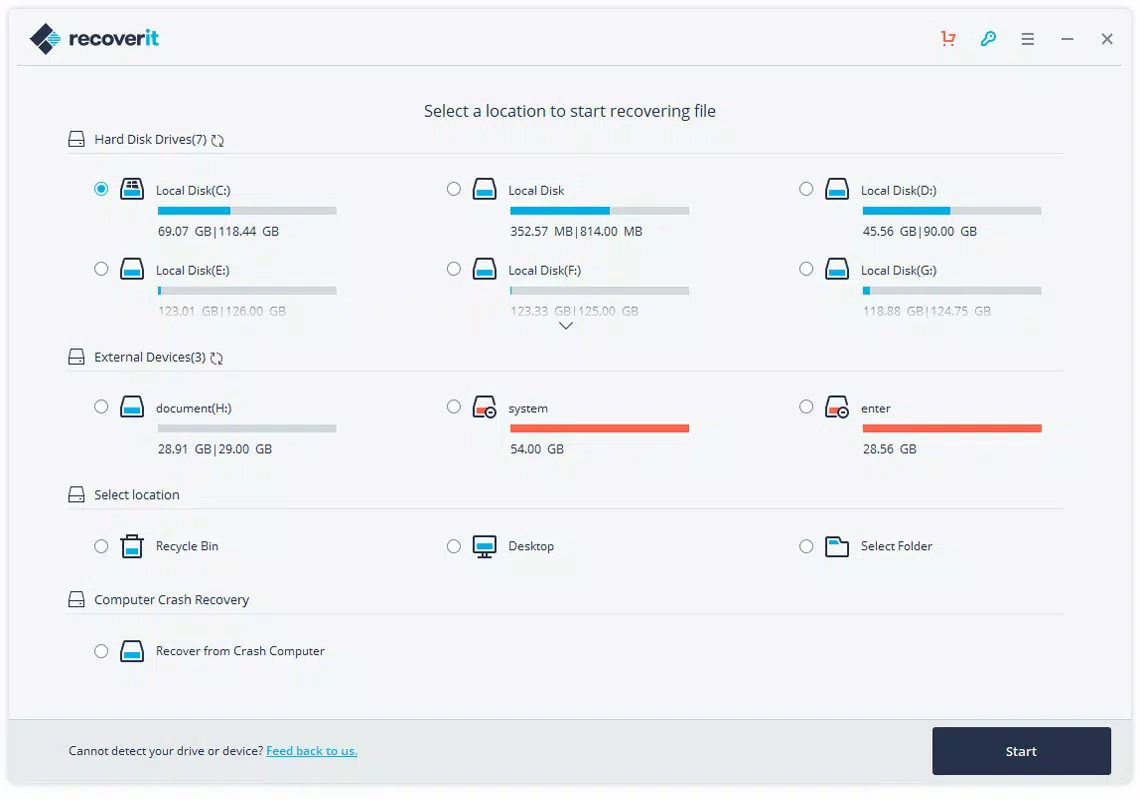
- Intuitive User Interface – The app features a clean, well-organized layout with clearly labeled recovery modes. Each mode is presented separately, enabling users to select the most suitable option based on their specific situation, such as "Deleted File Recovery" or "Lost Partition Recovery."
- Thorough Drive Scanning – Upon initiation, the tool conducts an in-depth scan across all accessible storage locations, including internal hard drives, SSDs, USB drives, and memory cards, to locate and recover deleted or lost files.
- Customizable Recovery Destination – After scanning, users can designate a specific folder to save recovered files. This feature allows for organized storage and prevents overwriting existing data on the original drive.
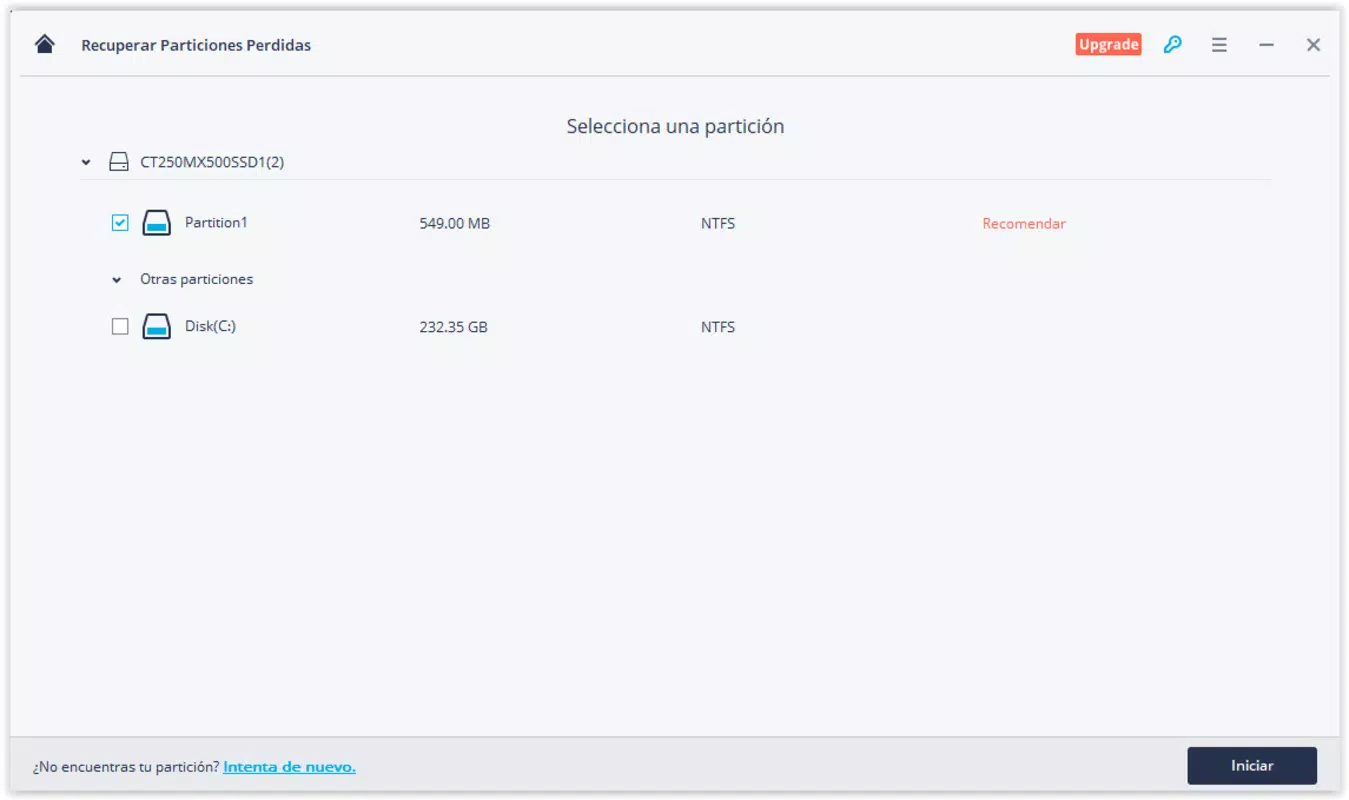
For example, a user who accidentally deleted a folder of vacation photos can use the "Deleted File Recovery" mode, initiate a full scan, and then save the recovered files to a separate external drive. Similarly, someone whose system failed to boot after a virus attack can attempt to recover data from the affected partition using the "Lost Partition Recovery" mode. These practical applications demonstrate how the app’s functionality translates into real-world benefits for everyday users.
Interface, UX & Performance
The interface of Recoverit Free is designed with usability in mind, offering a straightforward layout that guides users through each recovery step. The visual style is minimalistic, with clear icons, labeled buttons, and a step-by-step workflow that reduces cognitive load. Navigation is linear and predictable, with users progressing from selecting the recovery mode to choosing the target drive and initiating the scan.
The app responds promptly to user inputs, with no noticeable lag during initial setup or scanning. Although the developer did not list formal performance metrics, the app maintains stability across various device categories, including desktops and laptops with different storage configurations. Responsiveness is consistent during the scanning phase, and the interface remains accessible even when processing large drives.
The recovery process is non-intrusive, allowing users to continue using their system for other tasks while scanning runs in the background. The developer did not provide additional technical details about memory usage or CPU consumption. However, the app’s operation appears optimized for typical Windows environments, with no reported crashes or freezes during standard use.
Overall, the UX is intuitive and efficient, making it accessible to users with varying levels of technical experience.
Platform Compatibility & Technical Requirements
Recoverit Free is available exclusively for the Windows platform. It is compatible with Windows operating systems, though specific OS version requirements were not listed by the developer. The app has a file size of 115.2 MB, which is relatively compact for a data recovery tool with advanced scanning capabilities.
The latest version, 11.1.1.1, was released on February 20, 2024. Users should ensure their system meets the minimum requirements for running Windows applications, but the developer did not specify exact hardware or software prerequisites. Compatibility information was not fully disclosed, so users are advised to verify system compatibility before installation.
The app does not support mobile platforms such as Android or iOS, as it is designed for desktop and laptop environments. The absence of mobile availability aligns with the nature of data recovery tasks, which typically require access to internal storage and disk-level operations.
Pros and Cons
Pros
- Free to download and use, offering access to core recovery features without cost.
- Supports a wide range of data loss scenarios, increasing its practical value.
- Intuitive interface simplifies the recovery process for non-technical users.
- Thorough scanning ensures maximum file recovery potential.
- Allows users to choose a custom destination folder to avoid data overwrites.
Cons
- Specific system requirements were not disclosed, which may affect user confidence.
- Only available for Windows, limiting accessibility for users on other platforms.
- Advanced recovery features may be restricted in the free version, though this was not confirmed.
- Performance under heavy load or on older hardware was not tested or reported.
- No mobile version available for on-the-go data recovery needs.
FAQ
Is Recoverit Free safe to use?
Yes, the app is designed to be safe and non-destructive. It scans drives without modifying original data, ensuring that recovery operations do not cause further damage.
Can I recover files after formatting a drive?
Yes, Recoverit Free is capable of recovering data from formatted drives, provided the data has not been overwritten by new files.
Does Recoverit Free work on external storage devices?
Yes, the tool supports recovery from external drives, including USB flash drives, SD cards, and external hard drives.
Is there a limit on the number of files I can recover?
While the app allows full scanning and identification of lost files, the free version may impose limitations on the number or size of recoverable files. Specific restrictions were not detailed in the input.
How often should I update Recoverit Free?
It is recommended to keep the app updated to the latest version to ensure compatibility with new file systems and to benefit from performance improvements and security patches.
Final Thoughts
Recoverit Free stands out as a reliable, no-cost solution for users facing data loss on Windows systems. Its ability to handle diverse recovery scenarios, combined with a user-friendly interface and thorough scanning process, makes it a strong choice for both novice and experienced users. The app’s focus on accessibility and effectiveness ensures that valuable files can be restored with minimal effort.
While it lacks mobile support and detailed technical specifications, its core functionality delivers significant value. For anyone who has experienced accidental deletion, system failure, or disk corruption, Recoverit Free offers peace of mind and a practical path to data recovery. Download Recoverit Free now


